
If your engineering team is testing new features or redesigns prior to launch, accessibility testing must be included. Early testing is critical for both new projects and redesigns. However, if you are new to accessibility testing, effectively integrating it into your development lifecycle can be challenging.

There is no one-size-fits-all approach to accessibility testing. A combination of manual and automated testing is essential, as automated tools alone cannot identify all accessibility issues. In this article, I will cover my favorite automated testing software and outline what aspects of your design require manual assessment.
Automated testing
There are a few organizations that you should consider for your automated testing. I have listed the ones that I have personally tested and like working with when I am performing accessibility audits.
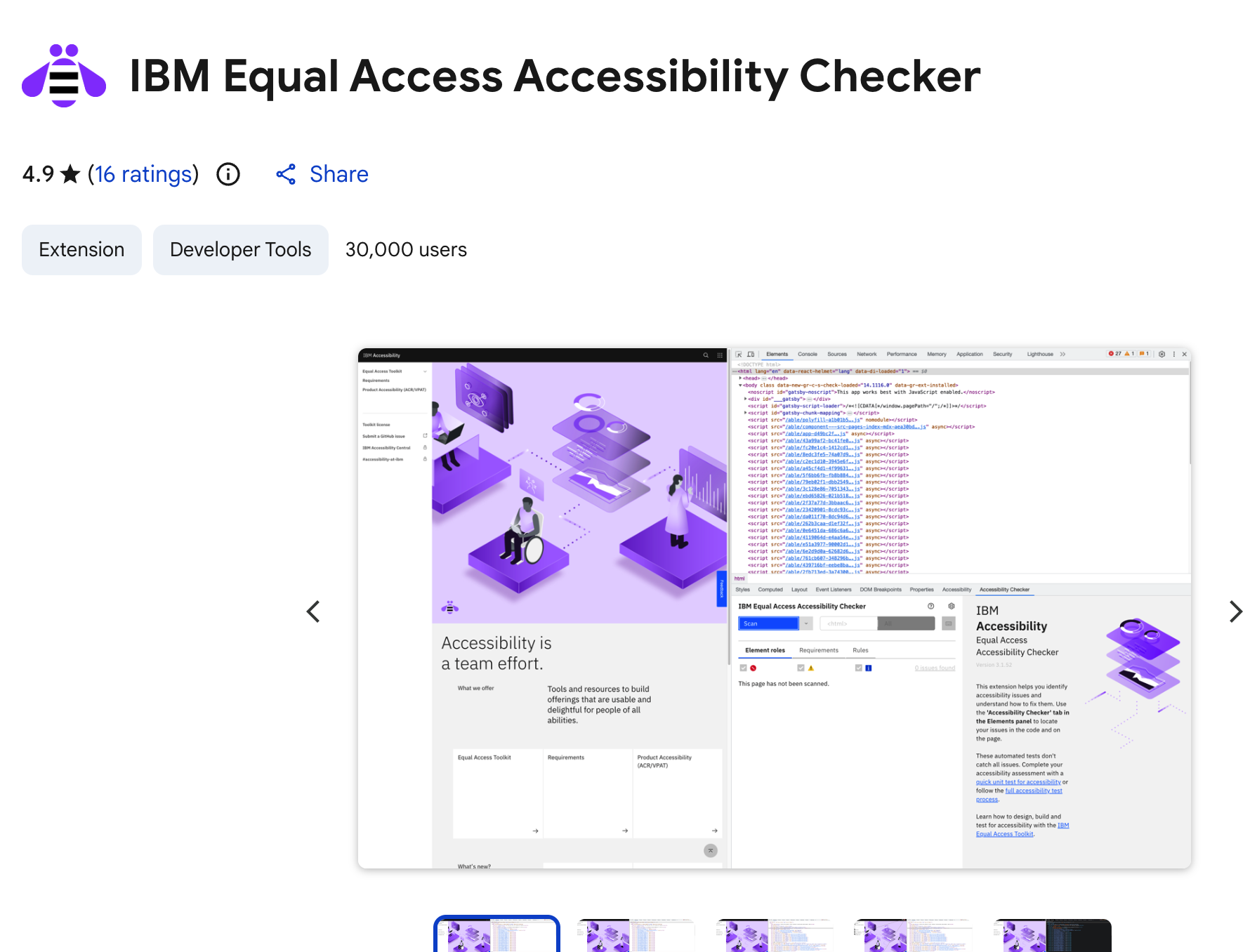
IBM Equal Access Accessibility Checker
The IBM accessibility checker has some naming inconsistencies that might cause initial confusion. I have chosen to name it what you’ll see on the IBM accessibility checker’s Chrome browser extension download page. In the developer tools in Chrome, look for Accessibility Assessment. I’m a fan of this tool because it leverages WCAG as well as other legislation and it allows you to create a report for free. They also offer documentation to help you remediate issues raised.
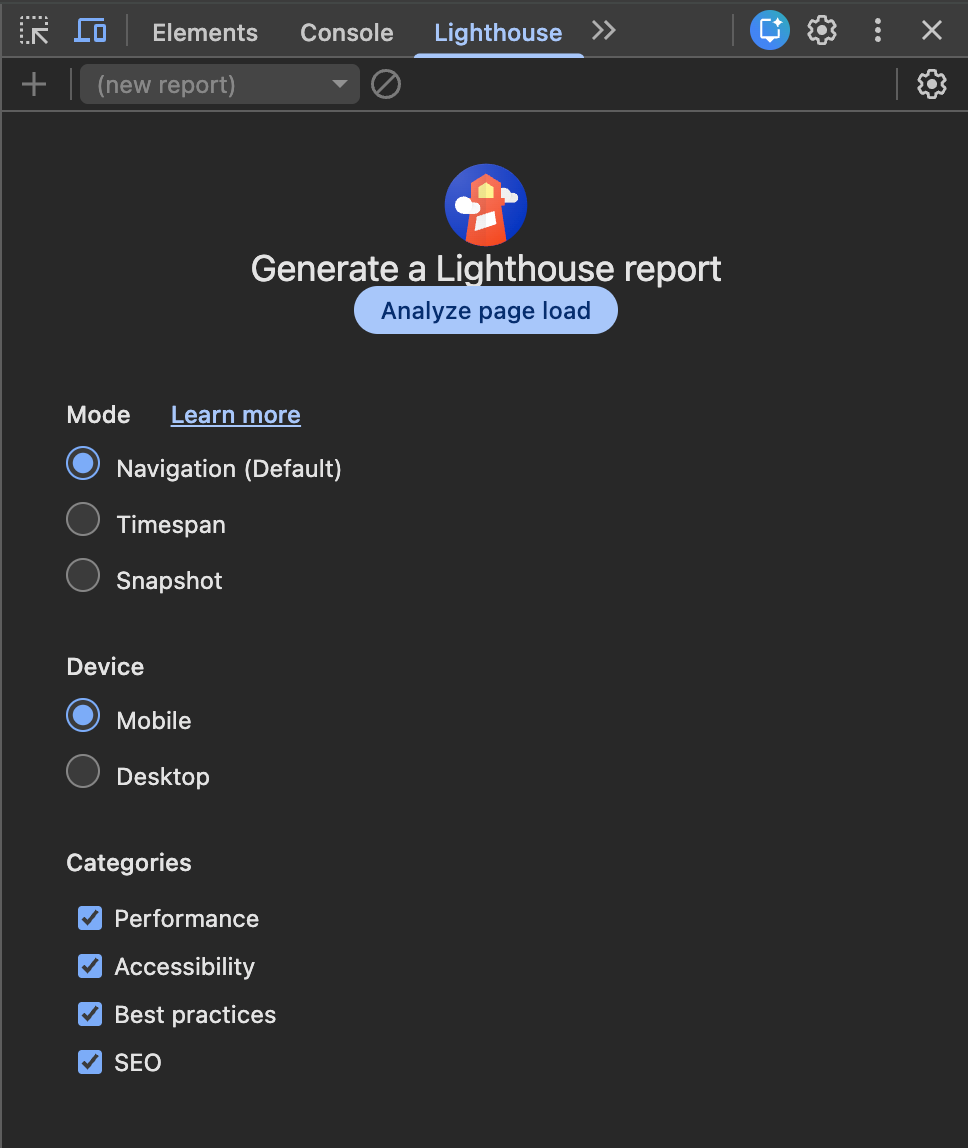
Lighthouse
Lighthouse comes pre-installed with Chrome, no need to download an extension. Just go into the developer tools and choose the Lighthouse tab. Lighthouse is also open-source, and developers have added quite a lot of functionality to it. You can use it for continuous-deployment scenarios and it works on a broad variety of tech stacks. However, there are limitations with running audits on complex, multi-page sites and it tends to miss issues that the other checkers catch even on simpler sites. Also, probably because it is open-source, the documentation is out-of-date and not well-written. While I know plenty of teams who like using Lighthouse, I would only recommend using it if the other two options aren’t available.
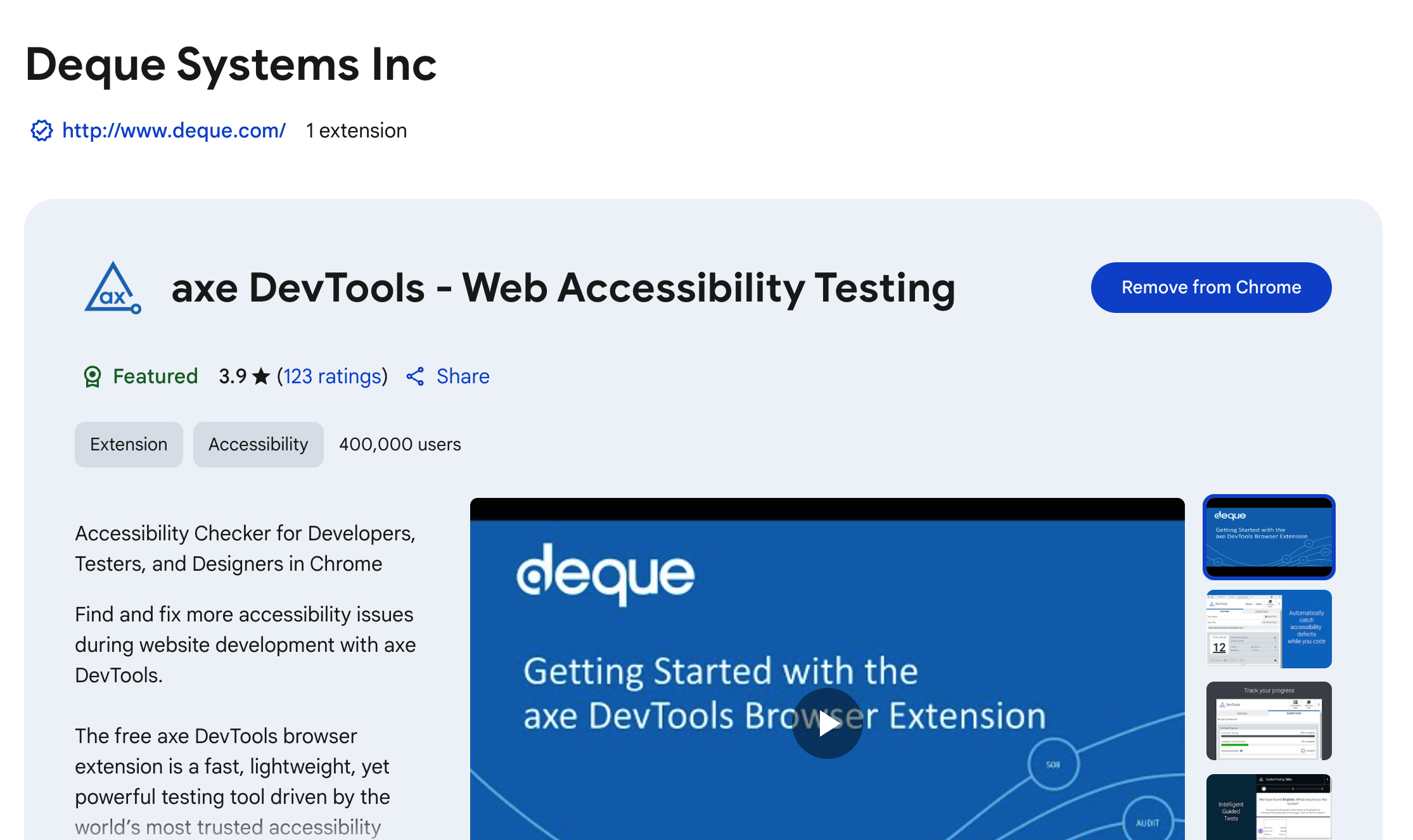
Deque's Axe DevTools
My favorite testing tool is Deque's Axe DevTools, a free automated testing tool that comes as a Google Chrome browser extension. It tests HTML pages for common accessibility issues like incorrect or missing ARIA, missing landmarks, non-hierarchical heading structures, and color contrast. They also offer free remediation documentation to help you remediate each issue uncovered. Upgrading to the Pro version unlocks a lot more features.
In the past month, Deque has rolled out a host of new features that leverage AI to automate a lot of testing that previously required manual testing to accomplish.
AI-powered testing
With Automated Intelligent Guided Tests, AI assists by reviewing common patterns and presenting its findings for your accessibility team to review. It provides reasoning for why an issue is flagged, so that teams can learn about accessibility issues instead of just responding to them. Deque promises to roll out more Intelligent Guided Tests in the future to continue furthering the impact of automated testing. Deque has also beefed up their automated rules overall, tackling issues like heading structure, focus indicators, text contrast, and decorative images.
Manual testing
Despite the advancements in automated testing that are coming out all the time, manual testing is still a requirement for the majority of accessibility issues. Manual testing involves an examination of content to identify accessibility issues that automated testing may overlook or that cannot be captured with automated testing. This process requires the attention of a skilled professional who is adept in using assistive technologies and maintains a current understanding of international accessibility standards.
For instance, while automated testing can confirm that images contain alt text, it cannot assess whether the provided alt text is meaningful or contextually relevant. Furthermore, automated tools can verify the hierarchical nature of headings, however, they may fail to detect instances where incorrect markup has been used by engineers. Manual testing serves as an essential complement to automated methods, ensuring a nuanced evaluation of accessibility compliance.
Manual testing is crucial and unavoidable if you want to build an accessible product.
I provide manual accessible testing where I check for the nearly 100 common accessibility issues that cannot be captured with automated testing.
In general, you’ll want to ensure you’re reviewing for things like:
- meaningful focus order
- missing page titles or headers
- color contrast
- accurate alt text for images
- whether your site or app works with accessible tech such as zoom, dynamic text, screenreaders, prefers reduced motion, and other settings that cannot be tested for with automated testing
- accurate links and button destinations
- meaningful error messaging
- focus traps
- tap target sizes
Conclusion
While automated testing is a great first pass, it often misses issues the tools were designed to catch, while catching a lot of non-issues such as missing ARIA labels. The best way to test your site for accessibility is to work with an expert who is well-versed in the requirements spelled out in WCAG 2.2. and other international standards, and can conduct a thorough automated and manual review of your site.
I proudly offer comprehensive manual and automated accessibility testing and audits as key services, ensuring that your digital products are fully inclusive and welcoming to all users. I have worked with companies of all sizes from shops with one employee to international organizations like Nike and Amazon. Contact me today for a free estimate.
Worried your site may not be WCAG-compliant?
Don't be. I can help you decide what needs to be done (if anything).
* For instance, accessibility is proactive not reactive, championed at all levels, and included in the definition of done for product development.
** For a breakdown on the cost of remediation, see Karl Groves' excellent article on Understanding the Cost of Not Being Accessible
